
Searching Cases by Name
The free Walton Magistrate WebCaseManagement portal accepts a Party Name for civil and warrant searches. A common name can return several possibilities, so compare court, case number, and docket context rather than selecting a result from the name alone. Superior cases follow the Georgia Courts E-Access directory to PeachCourt, where the public search sits behind account access.
- Identify the court from the filing, citation, or notice.
- Open that court's official portal or provider route.
- Enter the party name in the field the portal actually supplies.
- Review possible matches and compare known facts.
- Open the plus control on a Magistrate result to view its docket.
| Field Label | Type | Required | Notes |
|---|---|---|---|
| Case Number | Text | No | Use a known Magistrate case number; no public format guide exists. |
| Party Name | Text | No | Common names require manual review. |
| CSE Number | Text | No | Use when known; Walton does not define the acronym publicly. |
| Plus control | Result action | After search | Expands a case to show the docket. |
Walton Magistrate Search Controls
Walton Magistrate is the clearest direct county search. Its civil side can expose filings, service summons, answers, and related documents. The criminal side provides warrant information but not criminal documents. That difference is a portal limit, not proof that a file is sealed.
The official Magistrate Court page routes readers to the local court service.
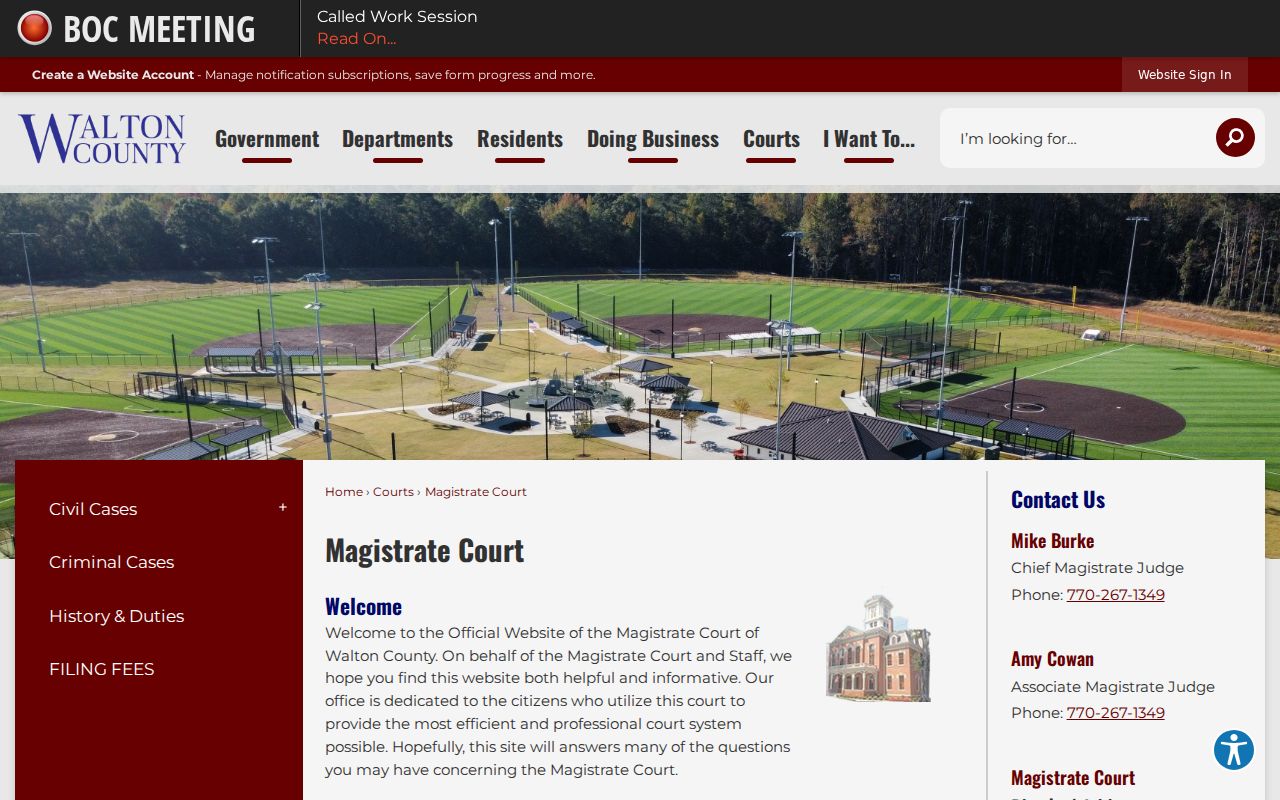
Use this route for Magistrate matters, not as a substitute for Superior Court or a municipal citation search.
Searching by Case Number
A known case number is the strongest search key. Enter it exactly as printed, including punctuation. Walton's forms use labels such as Docket # and Civil Action File Number, but no official source publishes a universal digit pattern. Do not infer a year, case type, or sequence from the characters without a court key.
For a Superior calendar call, give the civil action file number and Walton County. In Magistrate results, the plus button beside the number opens the docket. If the number fails, confirm the court, remove an accidental space, and ask the custodian whether the matter predates the available online range.
Walton PeachCourt Account Gate
Superior civil, domestic, and felony cases route from Georgia Courts E-Access to PeachCourt. PeachCourt is also Walton Superior Court's mandatory e-filing provider, but filing access and public case access are not the same task. Its landing page visibly asks for email and password.
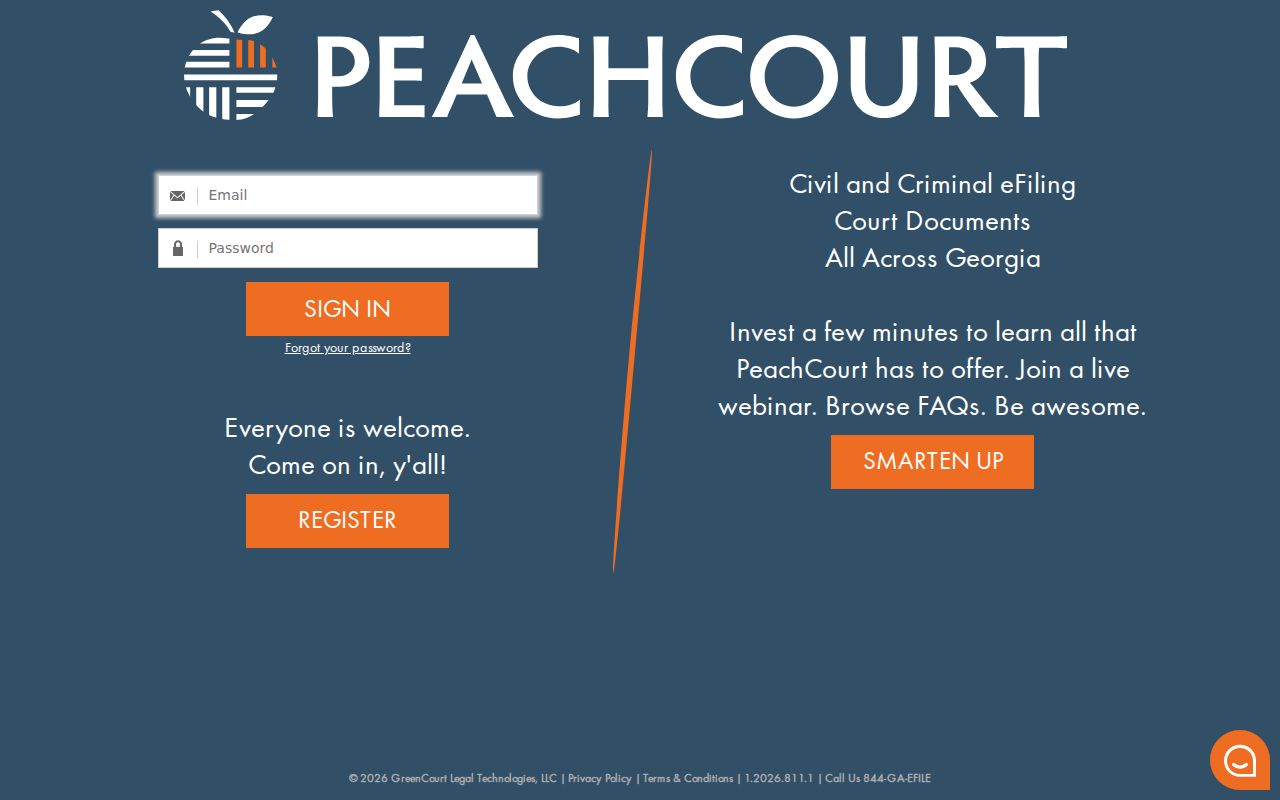
The login screen confirms the account gate. It does not confirm what search filters appear after authentication.
The registration route collects name, contact details, password, a security question and answer, role, company information, terms acceptance, and CAPTCHA.
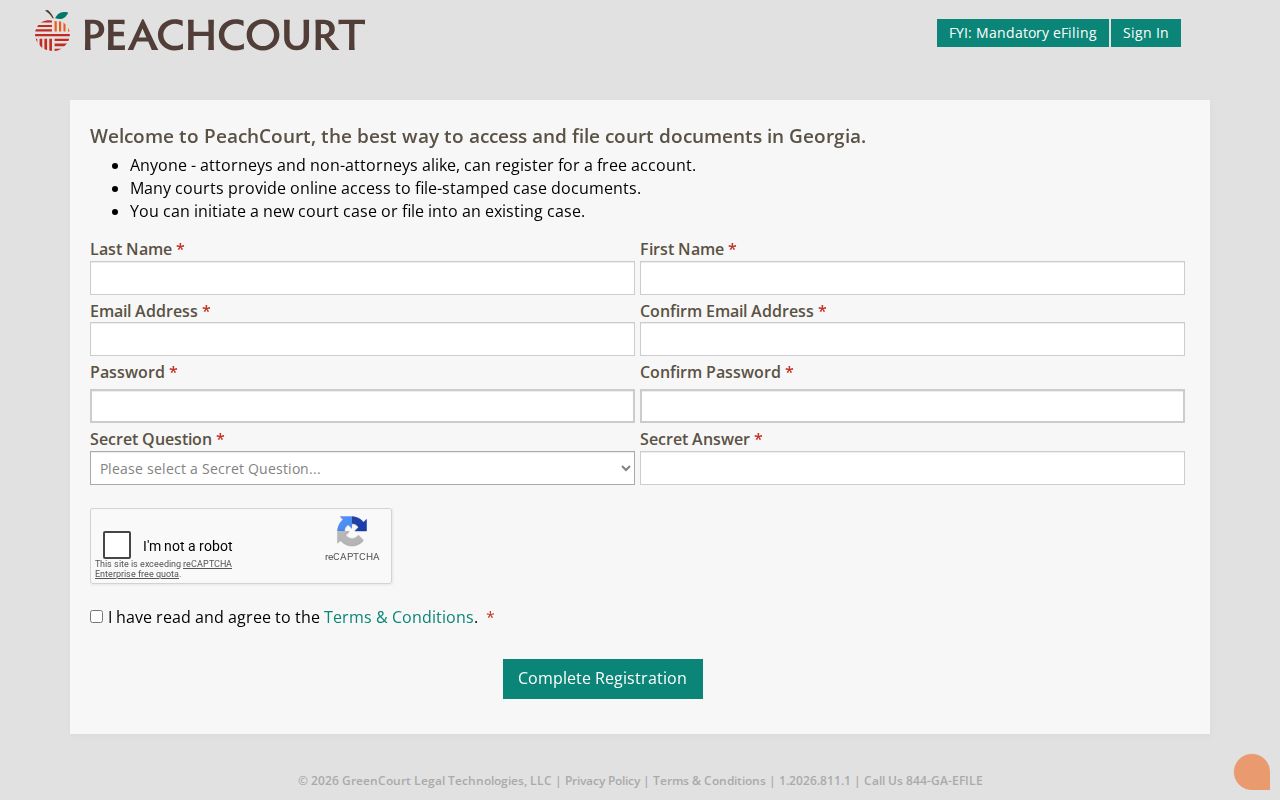
A free account can expose case information, while document images may carry a separate charge.
What a Walton Case Search Returns
A docket is the chronological event index, not the entire case file. A result can identify the court, number, filing date, parties, status, settings, and dated entries. A linked pleading, signed order, certified copy, and transcript are separate products. PeachCourt's official-record warning means the Walton Superior Clerk's record controls when an online image conflicts with the file.
| Case Number | The court-assigned retrieval key. |
|---|---|
| Style / Parties | The caption naming the sides. |
| Case Type | The civil, warrant, felony, domestic, or other category. |
| Filed Date | The date the clerk accepted the initiating filing. |
| Status | An open, closed, disposed, or restricted indicator that must be read with entries. |
On Walton Magistrate civil results, inspect service, answer, and filing entries. Criminal Magistrate results are warrant-level and omit public documents. A blank Juvenile result does not establish that no case exists.
Walton Search Results and Images
Three items are easy to confuse. The search result is a short match. The docket expands the sequence of court events. A document image reproduces a filing or order and may cost money. Certification is a fourth step performed by the clerk.
Use the right product. Track dates with the docket, read the decision in the signed document, and request a certified copy when authentication is required.
The PeachCourt public search route leads into the provider workflow.
The captured route should not be read as proof of unnamed filters behind login.
Statewide vs County Case Search
Georgia has no single statewide public docket query. E-Access is a directory that routes participating courts to providers. Walton Superior points to PeachCourt, while Walton Magistrate has a separate free portal. Probate, Juvenile, and city clerks keep their own slices. Choosing the wrong route is the main reason a valid matter appears absent.
| Statewide Portal | Walton County Portal |
|---|---|
| Directory of participating provider routes | Direct Walton Magistrate search |
| No unified all-court query | Civil docket and warrant context |
| Best for finding the proper Superior provider | Best for a known Walton Magistrate matter |
Traffic citation tools are also separate payment or notification systems, not a statewide docket. The issuing court named on the citation decides the route.
Walton Case Search Fallbacks
When a search fails, recheck venue first. Try the exact number, then the party name. Check the Alcovy calendar if the question is a Superior setting. Call the custodian with the case number and a precise request: existence, current setting, docket, plain copy, or certified copy.
The Clerk of Superior Court is at 303 S Hammond Drive, Suite 335, and can be reached at 770-267-1307. Magistrate is in Suite 116 at 770-267-1349. A written request can identify the court, division, case number, document, date, delivery method, and copy type. Old-case digitization limits and portal refresh timing were not published, so the clerk is the sound fallback.
Federal cases use separate systems. The assigned image from the Northern District of Georgia Bankruptcy Court case information page shows one federal access route.
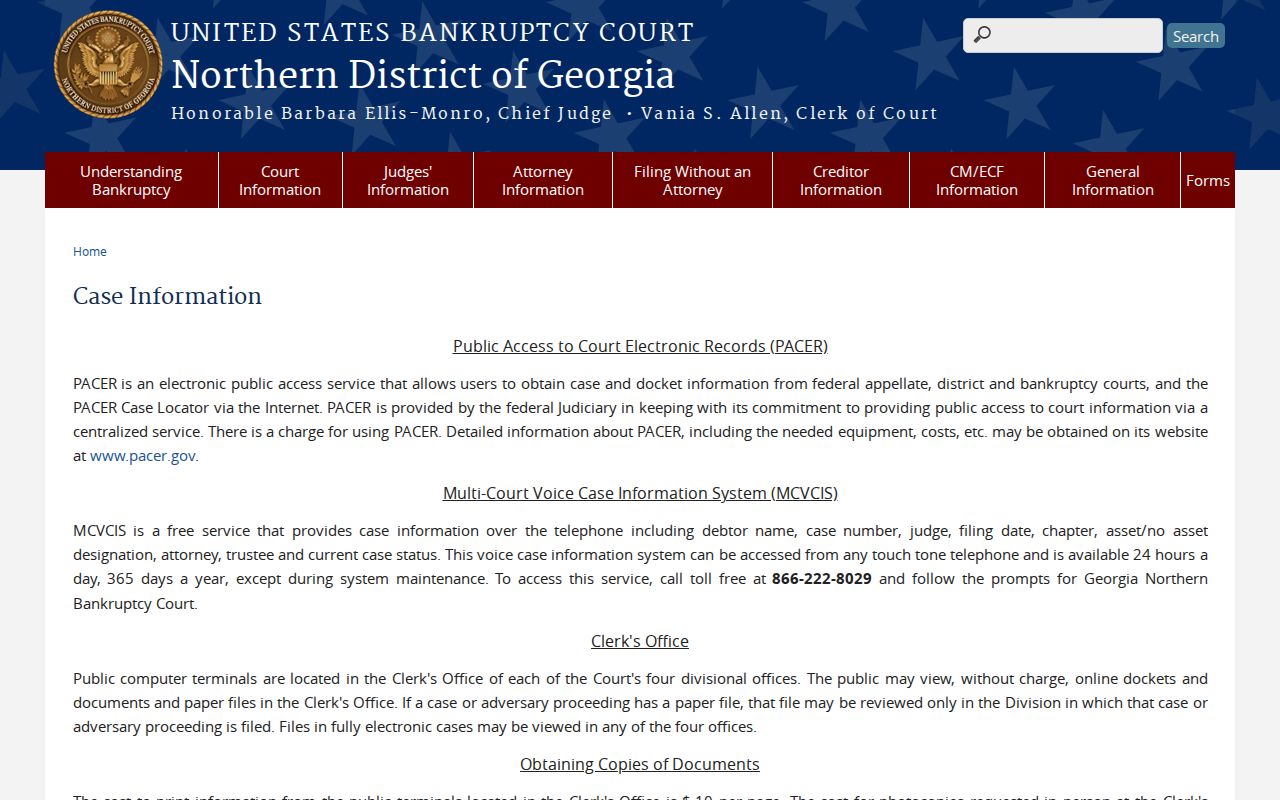
That federal source does not search Walton County state cases.
Walton Citation Searches Follow Court
Georgia Courts states that no centralized traffic-citation database exists. A Walton Probate citation can lead to Probate Court and EZCourtPay. Monroe, Loganville, Social Circle, and Walnut Grove each use a municipal page or vendor. Those tools focus on payment or notification, not a full public docket.
Allow for the state's stated seven-to-twenty-one-business-day delay before a new participating citation appears online. Check the citation for the issuing court and appearance date first. A payment screen that cannot find the ticket does not prove dismissal. Call the named clerk and ask for the case record or date.
Access and Restricted Cases
Uniform Superior Court Rule 21 begins with public access but permits a court to limit a file after the required process. Protected identifiers can be redacted. A restricted result may show a docket event without an image, a status with limited detail, or no public match. Portal absence is not a disposition.
Juvenile matters are not ordinary public search material. Walton Juvenile Court handles delinquency, dependency, CHINS, truancy, and traffic involving a person under 17. Adoption, protected family information, and sealed material may also be absent or redacted. Ask the clerk whether an access procedure exists; do not try to bypass login, CAPTCHA, or a sealing order.
For ordinary public records, a written Georgia Open Records Act request can create a clear record, though court files may follow court rules and clerk fee schedules. Name the exact court and document. If access is denied, request the legal basis and ask whether a redacted version is available.
For repeat research, note the search date, official source, query used, and count of possible matches. That small record distinguishes a changed docket from a search made in the wrong court and gives the clerk useful context for a missing result.